Press kit
Berth in one sentence
Berth is a native, customizable dock for macOS with profiles you switch by display, Focus or shortcut, and widgets for your Codex and Claude allowance and your next meeting; it never asks for Screen Recording or Accessibility.
Berth in one paragraph
Berth is a customizable dock for macOS. It can keep Apple’s Dock hidden while it is active, or sit beside it on another screen edge. You build named profiles, such as an everyday dock, a meetings dock or a developer dock, each with its own apps, files, folders, links, Shortcuts, stacks, widgets, look and behaviour, and switch between them from the menu bar, with a keyboard shortcut, when a display connects or disconnects, or with a Focus change. Beside the apps sit 12 built-in widgets in a compact readout strip, among them Calendar, which shows the next meeting with Join for Zoom, Meet, Teams, Webex and FaceTime links, Now Playing, and Codex usage and Claude usage, which show the subscription allowance left and alert when it runs low. On a MacBook, the notch readout puts CPU, memory, battery, AI allowance, Now Playing or the next meeting beside the camera housing and unfolds into a small dashboard. Berth looks and moves like Apple’s Dock, is native (Swift, AppKit and SwiftUI), uses public APIs only, has no account and no telemetry, and never asks for Screen Recording or Accessibility.
Facts
- Price
- €10 once
- Availability
- Berth 1.0 is in final testing
- Trial
- 7 days, every feature, no account
- Requires
- macOS 13 Ventura or later, Apple silicon and Intel
- Made by
- Lukas Novak, By All Means
- Website
- berthapp.org
- Contact
- support@byallmeans.work
Illustrations
Illustrations, not screenshots. These images are rendered from this site’s own replicas of Berth’s interface, with fixed sample values. The app icons in them are the apps’ own and belong to their owners. Real screenshots of Berth, and a short video, will be added here at release.
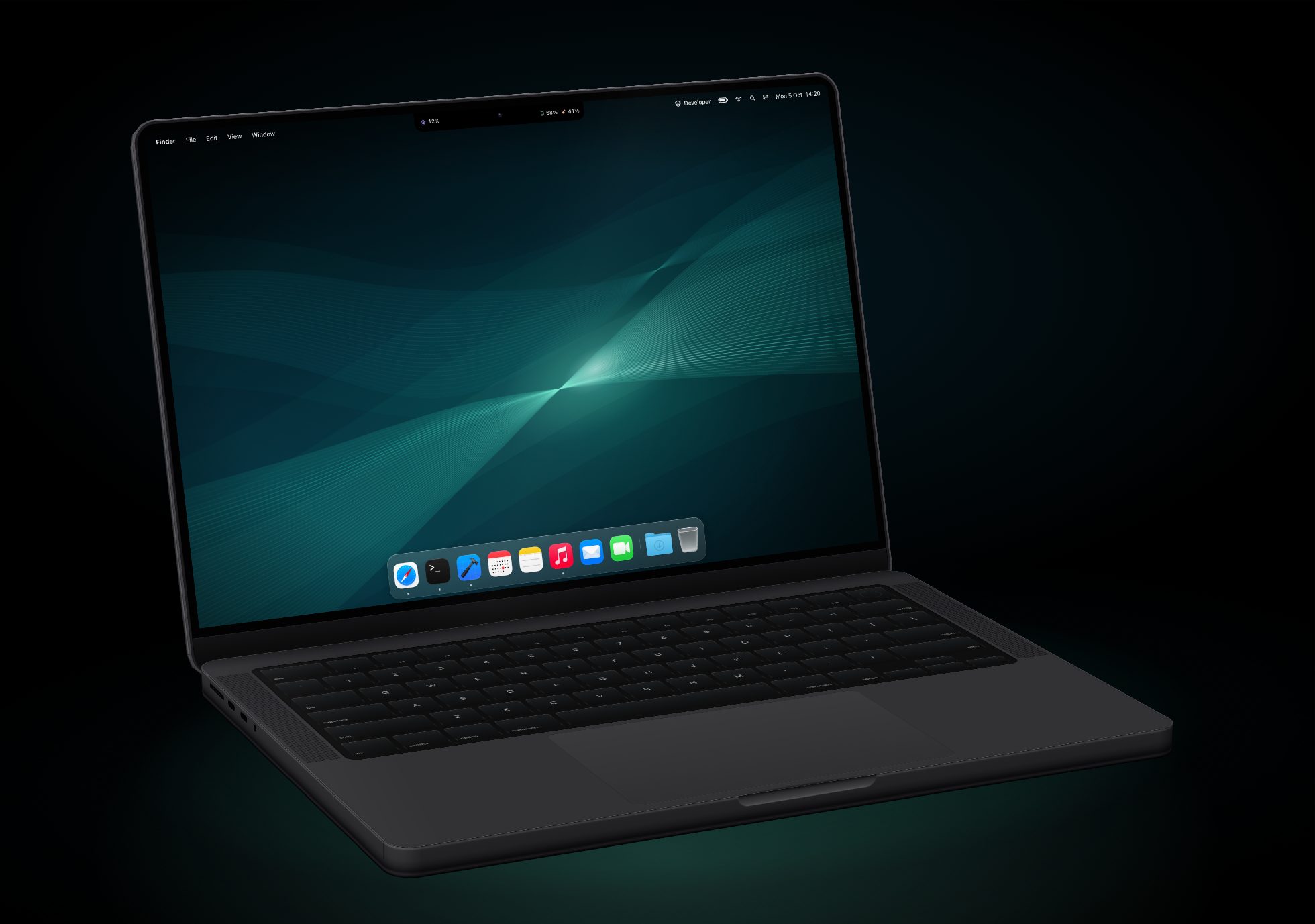
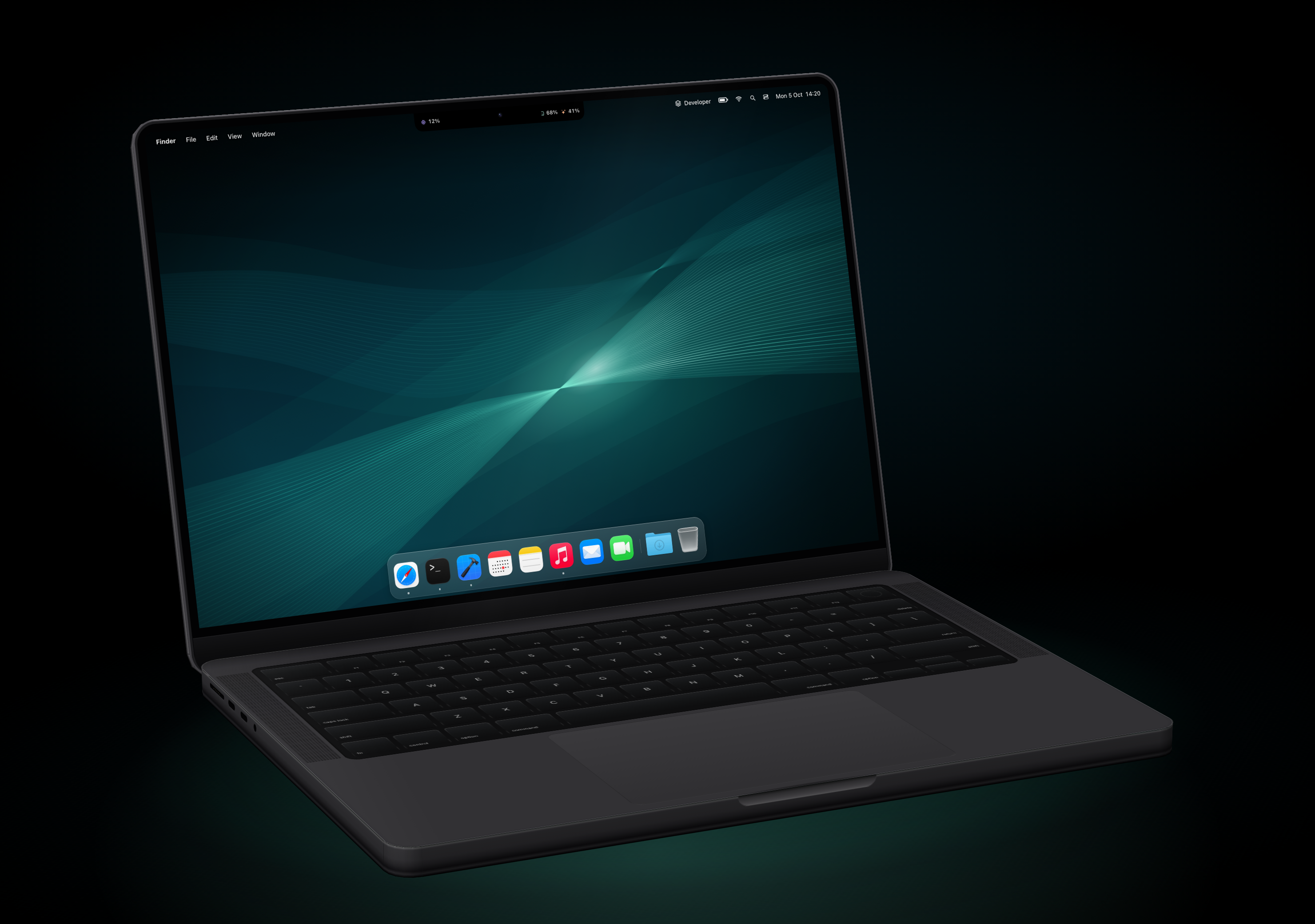
MacBook, hero view
The notch readout and the dock on a MacBook Pro, three-quarter view, on black.
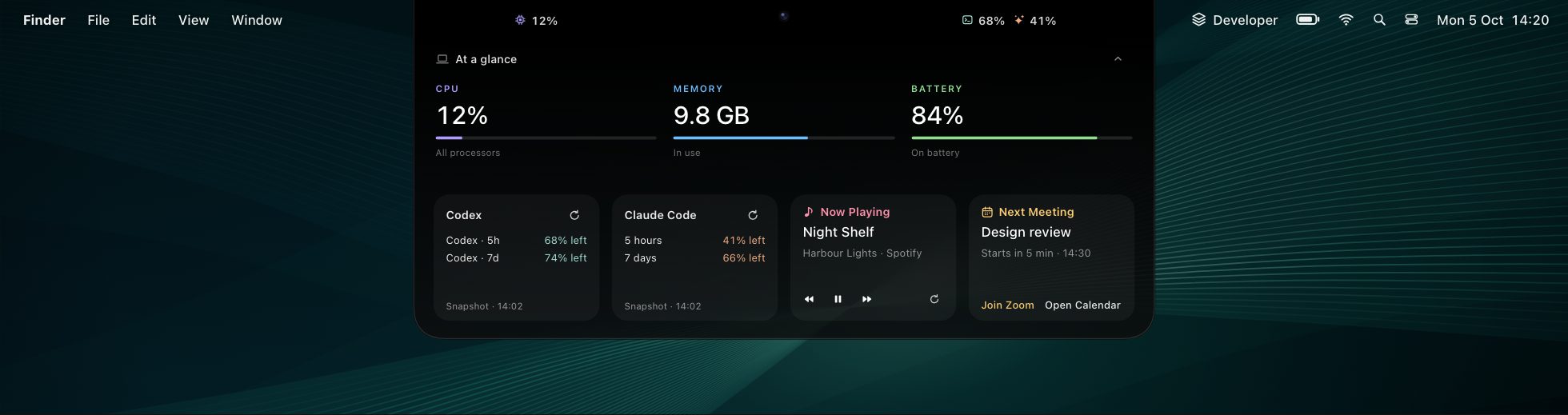
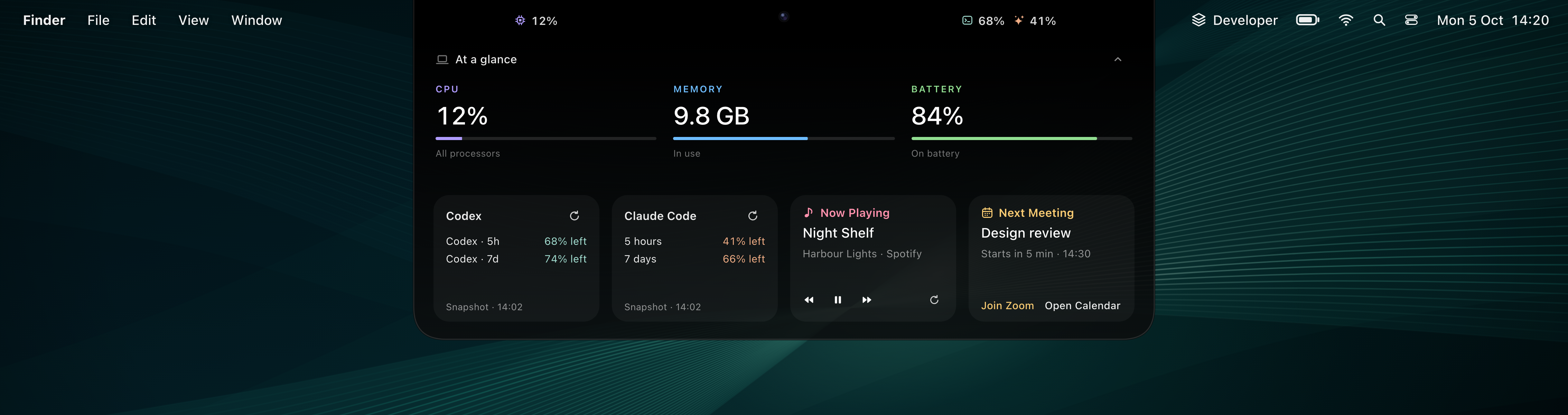
Notch dashboard
The notch unfolded: CPU, memory and battery, Codex and Claude allowance, Now Playing and the next meeting.

Dock with readout strip
Eight apps, then Calendar, Codex usage and Claude usage in one strip, on a dark wallpaper.

Dock, transparent
The same dock on a transparent background, to place on your own image.
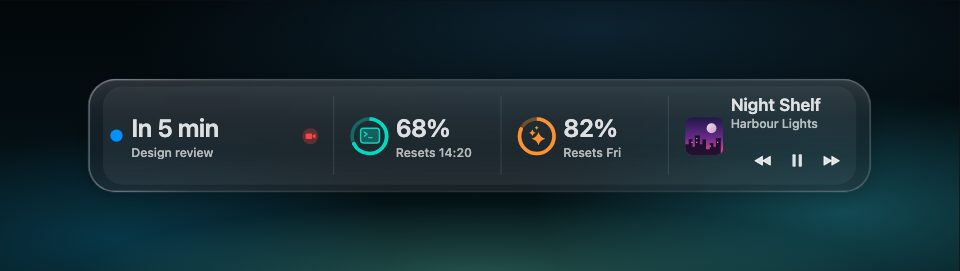
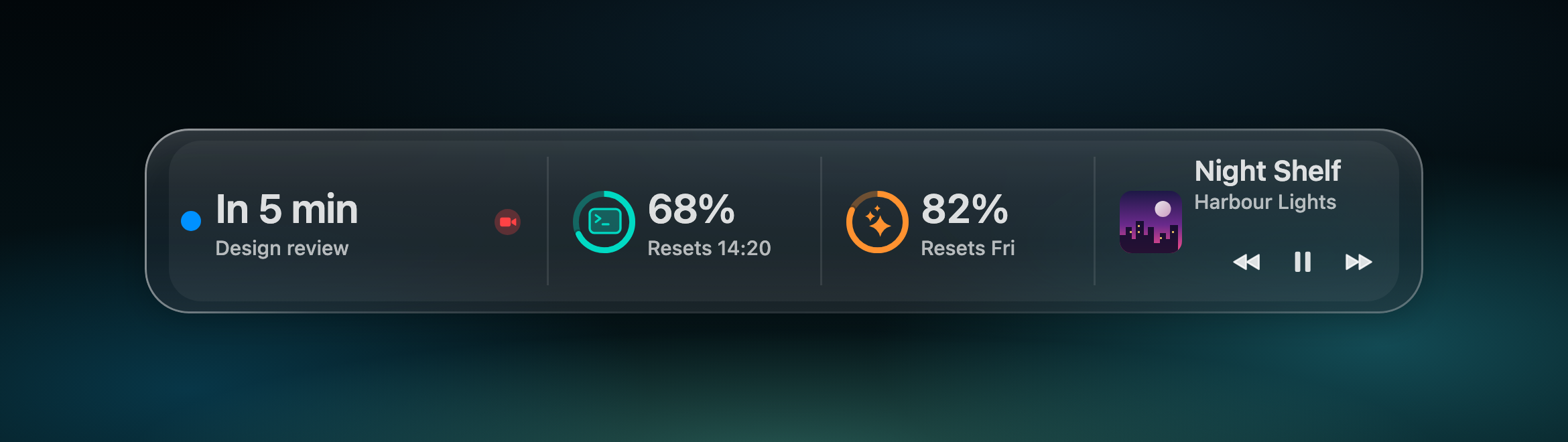
Readout strip, dark
Calendar, Codex usage, Claude usage and Now Playing, joined into one strip.
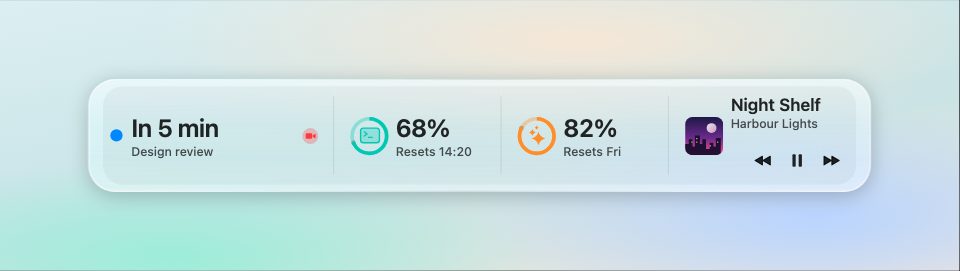
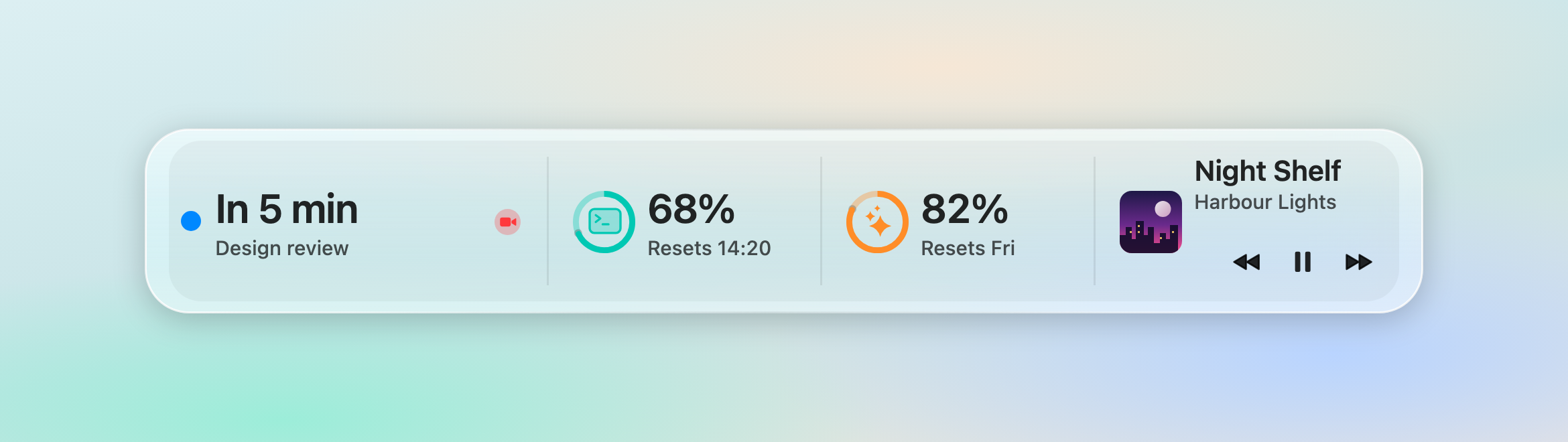
Readout strip, light
The same strip in light mode.
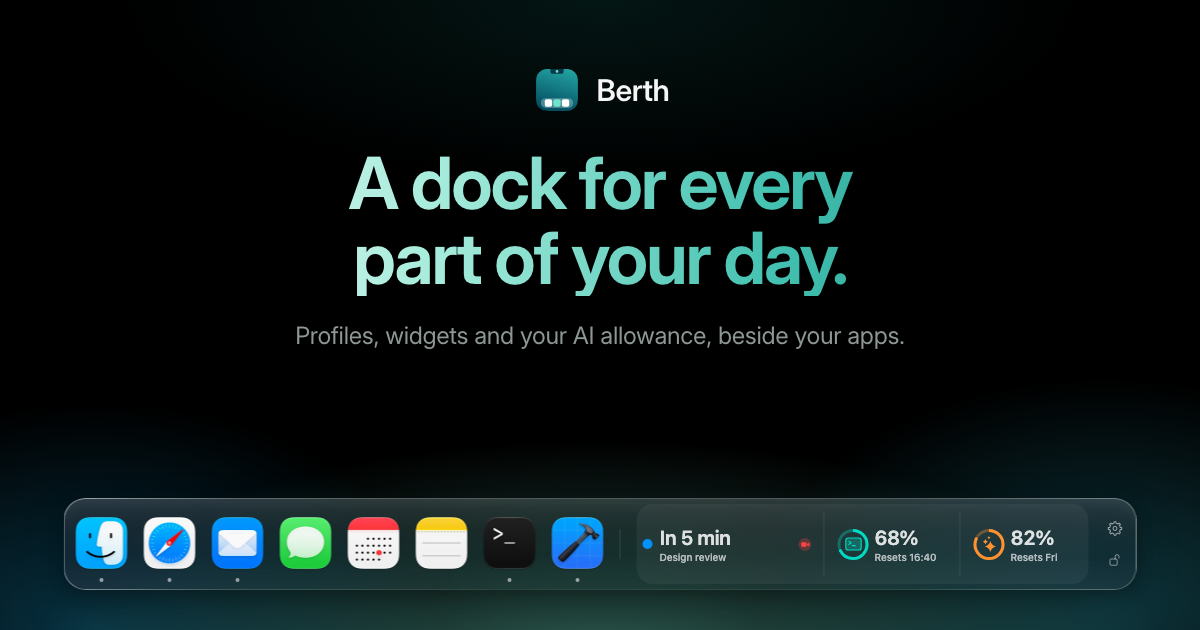
Social card
For articles and link previews: the headline above the dock.
App icon
On a transparent background, in four sizes.